Reply to Emails Faster with QuenDraft AI
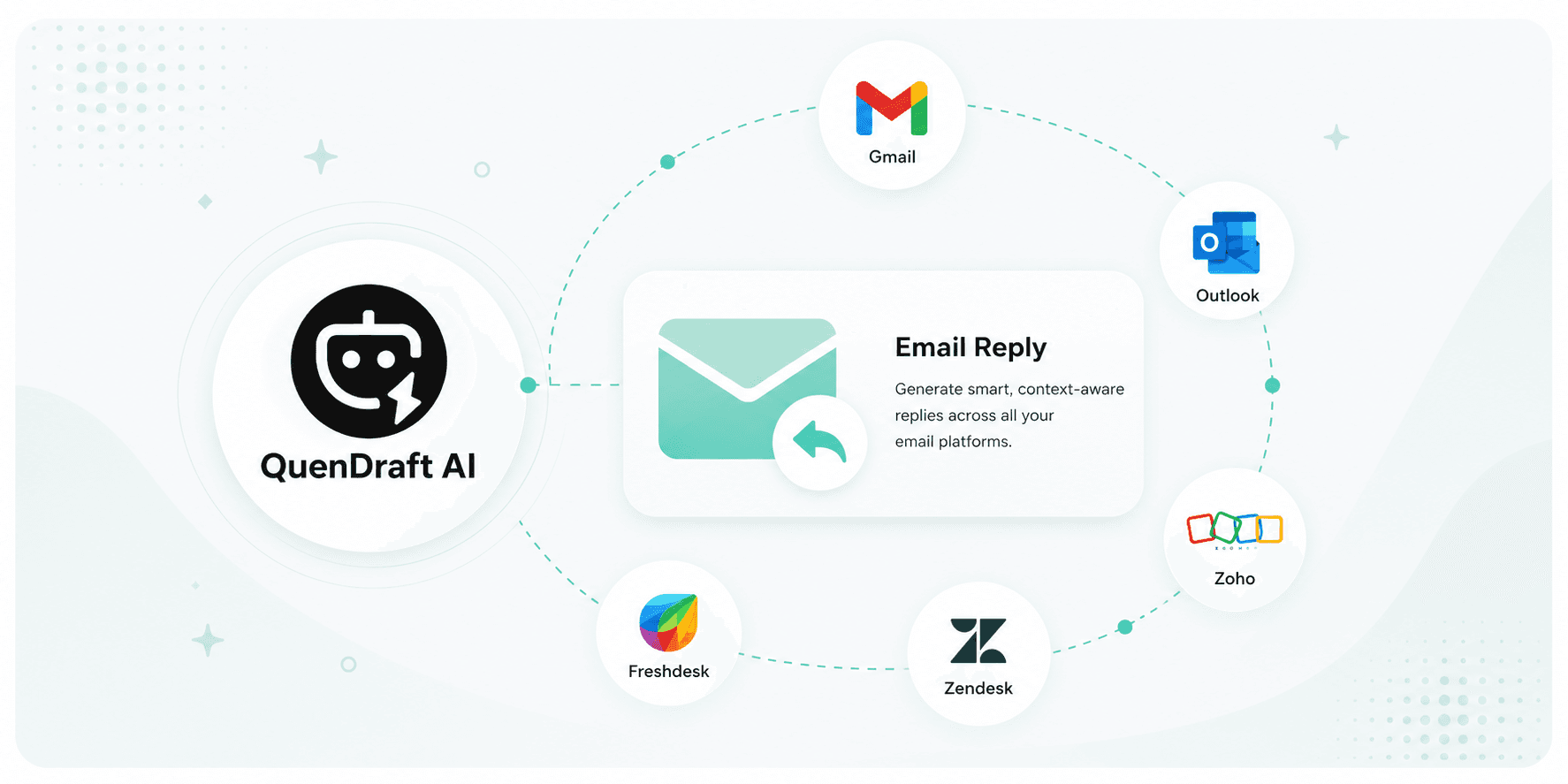
Generate smart, context-aware replies across Gmail, Outlook, Zoho, Zendesk, and more — without leaving your inbox.
Email still eats hours every week. QuenDraft AI reads the thread and drafts a reply that sounds like you — professional, concise, and ready to send.
One-click AI Reply in your inbox
QuenDraft AI adds an AI Reply button next to the native reply control in Gmail, Outlook, Zoho Mail, Zendesk, and Freshdesk. It pulls full thread context so drafts address every question in order.
Tone that fits the conversation
Switch between formal, friendly, or brief. The same underlying points become a polished client email or a short internal update in seconds.
Compose from a blank slate
Starting a new thread? Drop in a few bullets and get a complete draft — subject line included — then personalise and send.
Why it beats copy-paste tools
Everything happens inside the compose box. No switching tabs, no losing context, no generic fluff. Review, tweak one line if needed, and hit send.