
Writing, AI & productivity
Tips, guides, and deep-dives from the QuenDraft AI team.
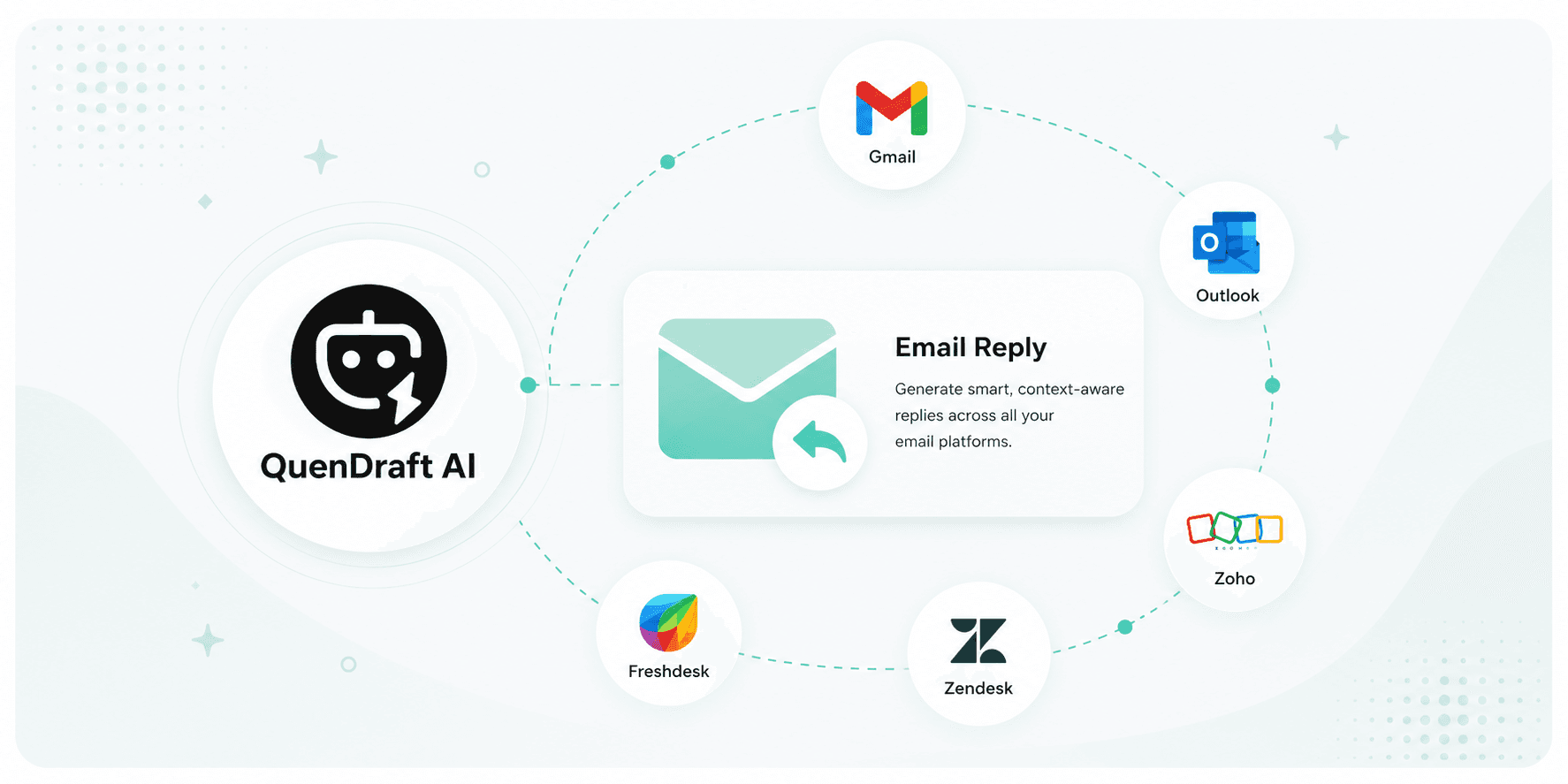
Reply to Emails Faster with QuenDraft AI
Generate smart, context-aware replies across Gmail, Outlook, Zoho, Zendesk, and more — without leaving your inbox.
Reply to Slack Messages Faster with QuenDraft AI
Stop overthinking channel replies and DMs. Draft clear, concise Slack messages that get straight to the point — right in the message box.
Write LinkedIn Posts & Replies Faster with QuenDraft AI
Compose polished posts, reply to DMs and connection requests, and respond to comments — all without leaving LinkedIn.
Reply Faster on WhatsApp with QuenDraft AI
Whether it’s a customer chat or a personal message, draft the right WhatsApp reply in seconds — directly in WhatsApp Web.
Reply Faster in Microsoft Teams with QuenDraft AI
Draft clear, on-brand replies in Teams chats and channels — QuenDraft AI writes inside the compose box using full thread context.
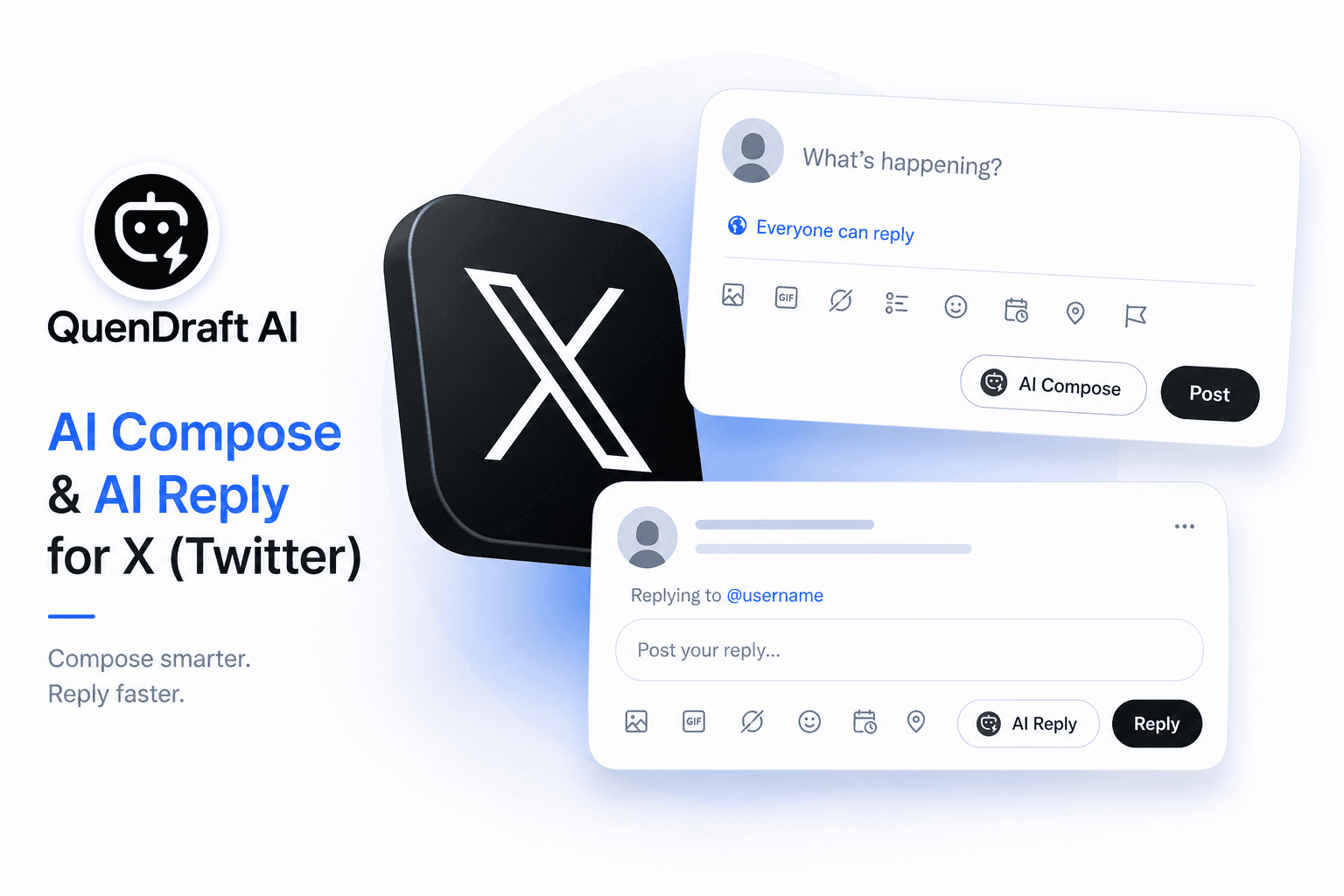
Smart Replies on Twitter / X with QuenDraft AI
Never stare at a blank reply box again. Generate punchy, relevant replies that match the conversation — under 280 characters.
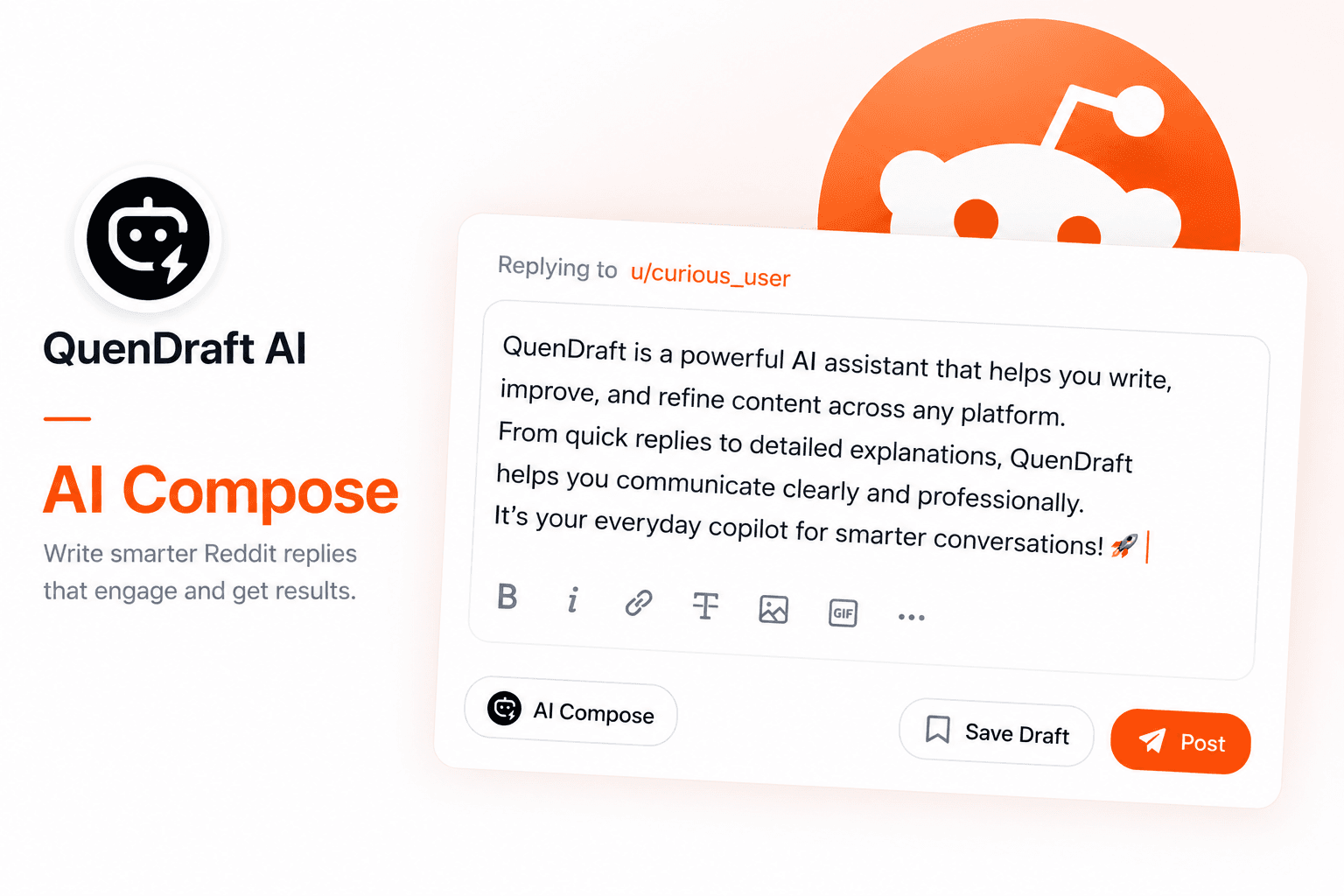
Write & Reply on Reddit Faster with QuenDraft AI
Draft full Reddit posts from a quick idea, or reply to comments with responses that fit the subreddit tone.
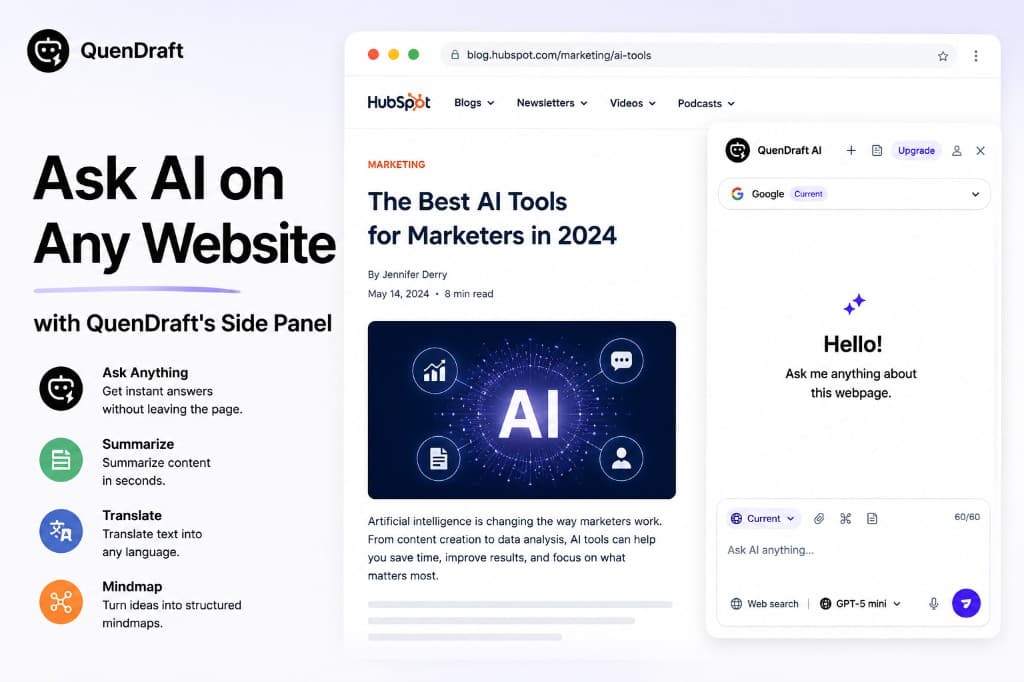
Ask AI on Any Website with QuenDraft’s Side Panel
Open the side panel on any page, chat with the content you’re reading, and get answers without switching tabs.
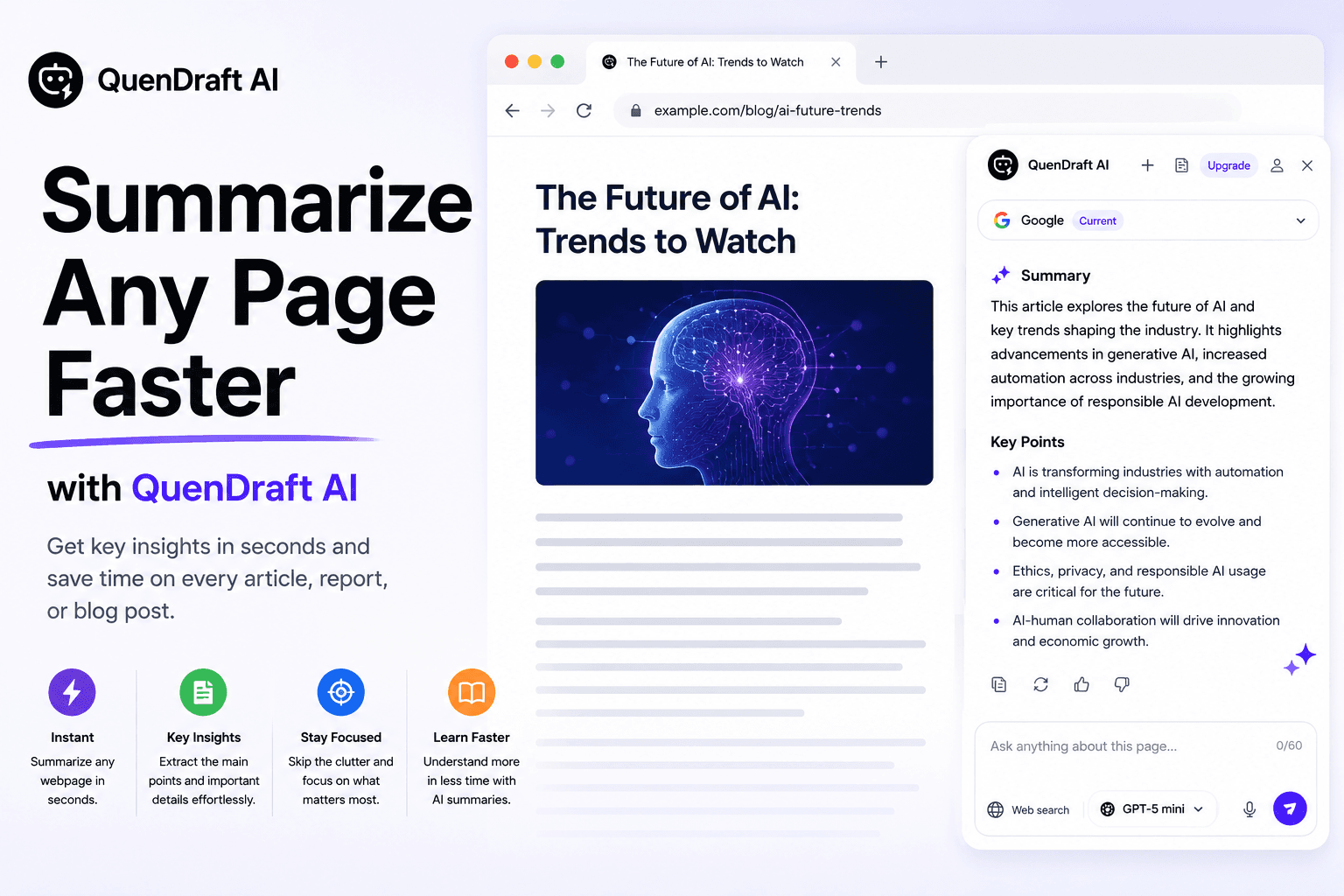
Summarize Any Page Faster with QuenDraft AI
Long article or research page? Hit Summarize in the side panel and get the key points without reading every paragraph.
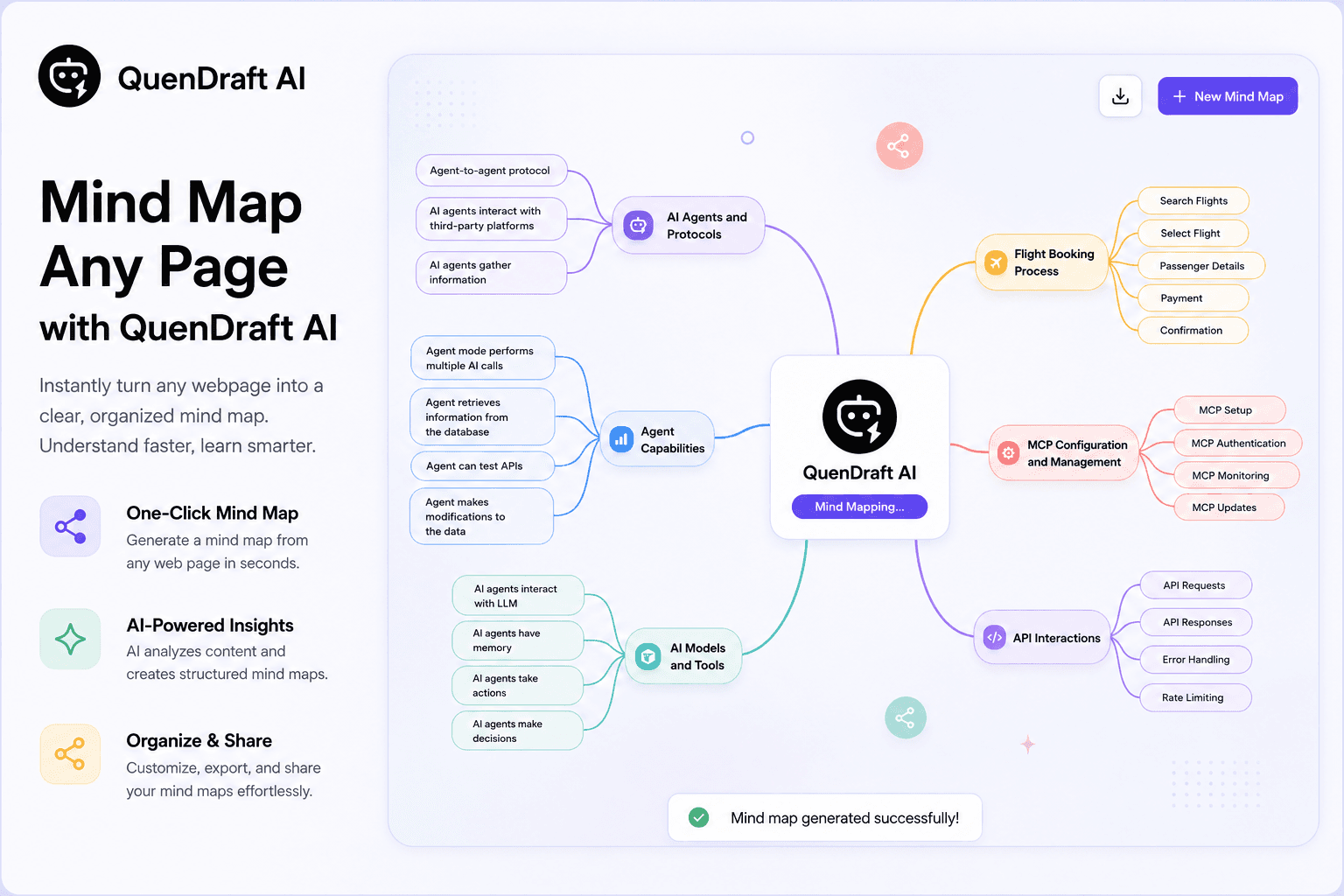
Mind Map Any Page with QuenDraft AI
Turn dense pages into a visual mind map from the side panel — see structure, themes, and relationships at a glance.

Translate Any Page Instantly with QuenDraft AI
Reading content in another language? Translate the full page from the side panel — without leaving the tab.
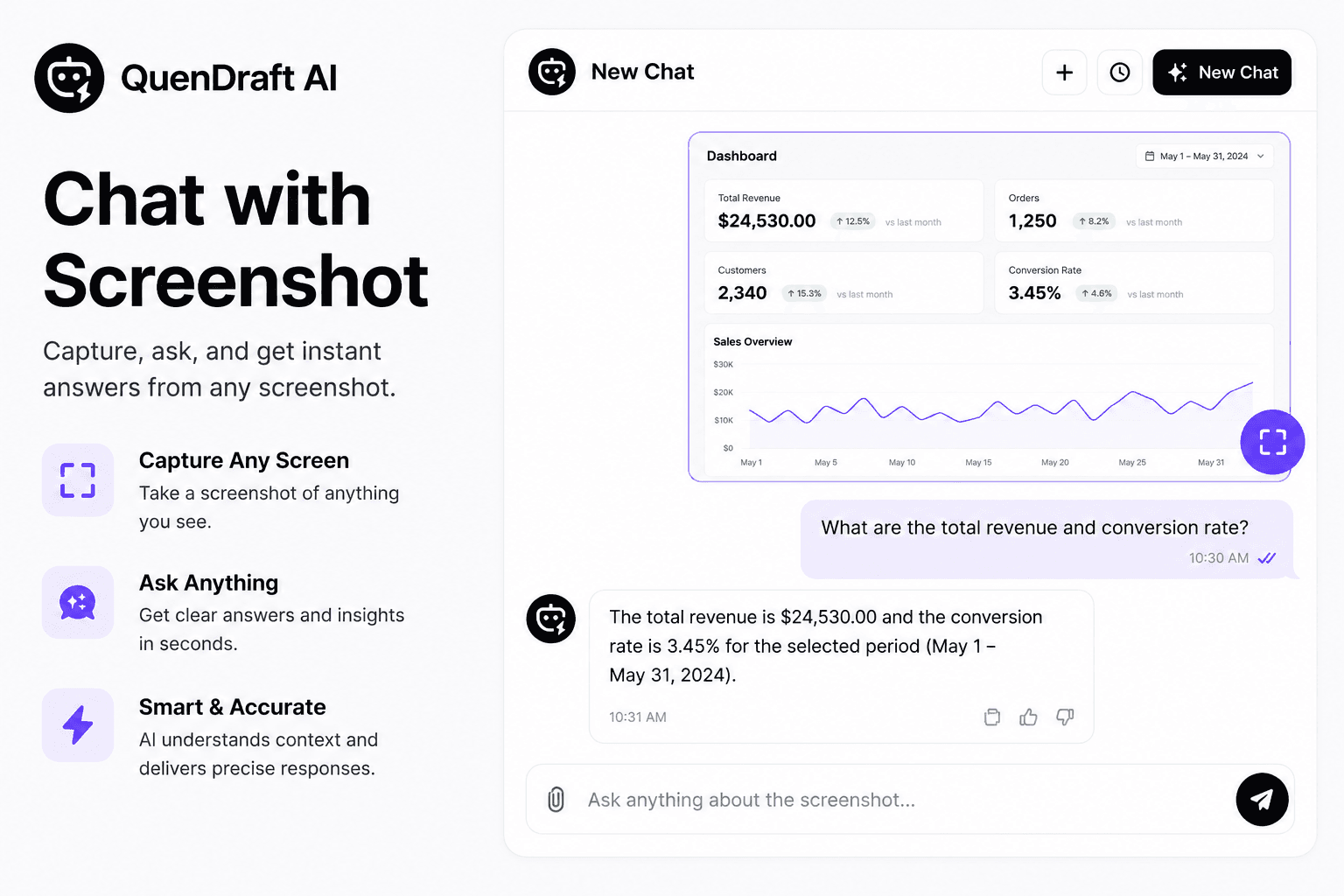
Chat with Screenshots in QuenDraft’s Side Panel
Snip charts, diagrams, or UI from any page and ask AI about them — answers appear in the same side panel chat.
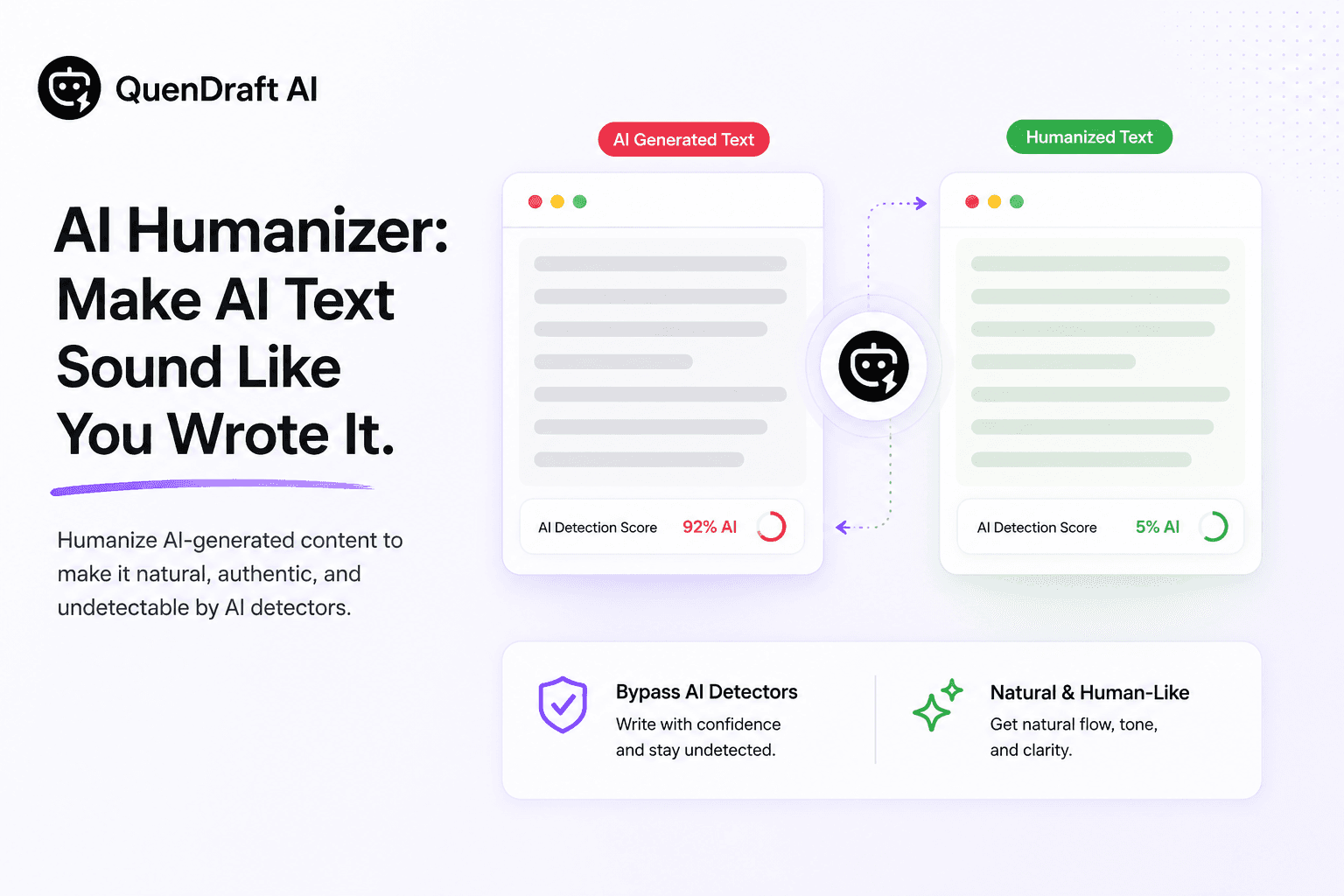
AI Humanizer: Make AI Text Sound Like You Wrote It
Check whether text reads as AI-written, then humanize it so it sounds natural and authentic — without losing your meaning.
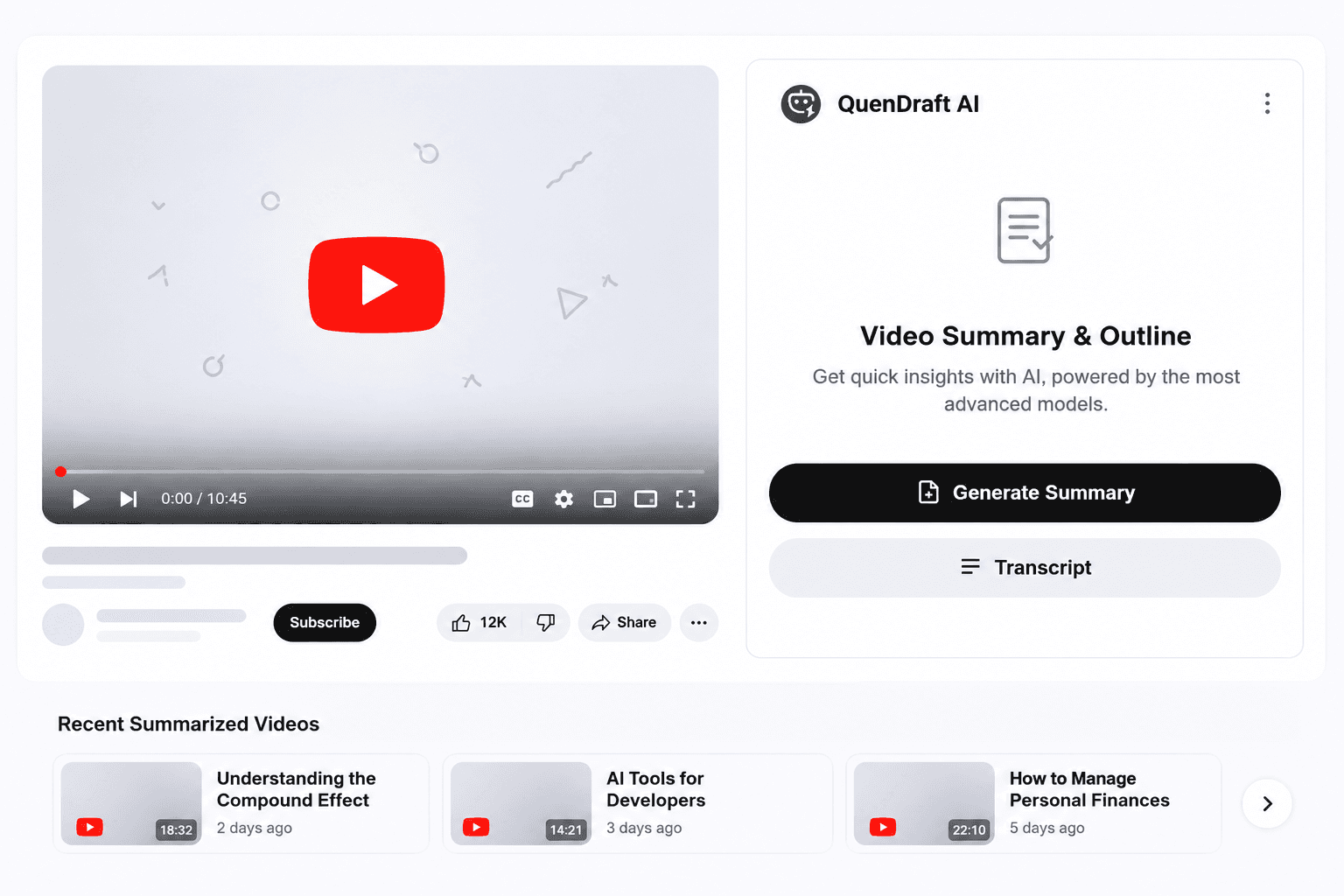
Get YouTube Transcripts & Summaries Instantly
Summarize any YouTube video and read its full transcript — stop watching an hour to find five minutes of value.
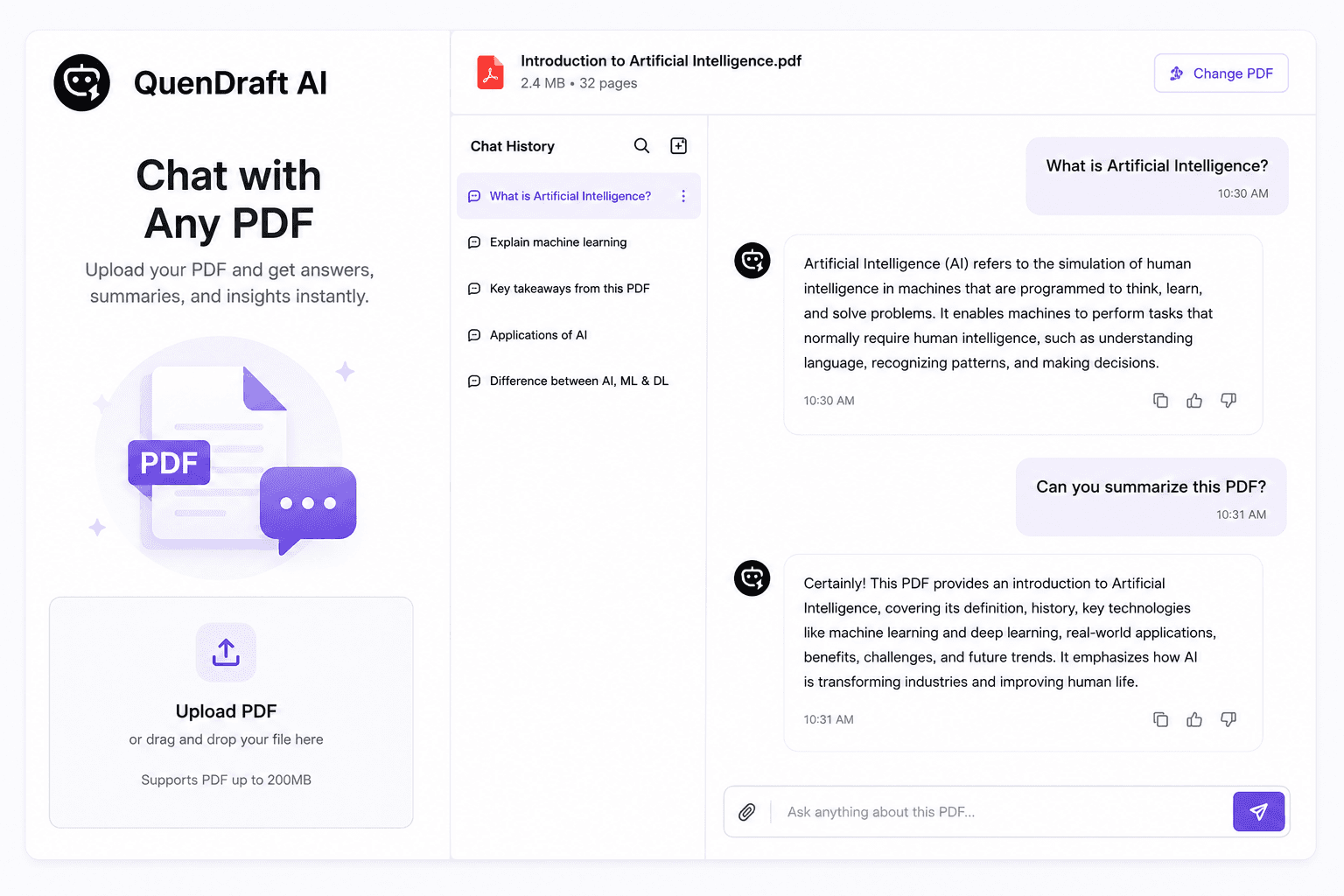
Chat with Any PDF Using QuenDraft AI
Upload a document and ask questions instead of skimming 40 pages — get answers grounded in the file you uploaded.
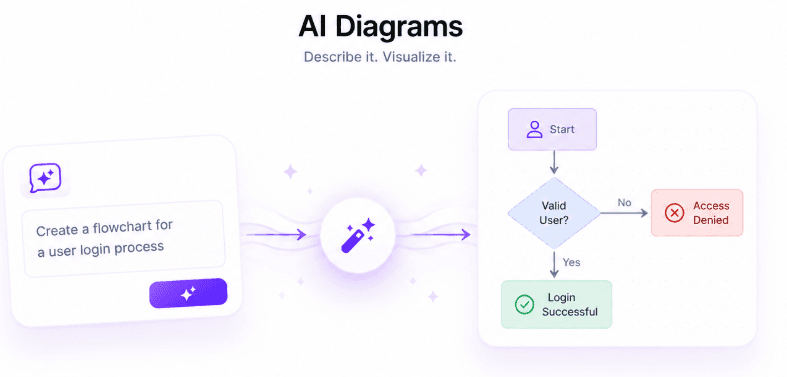
Turn Ideas Into Diagrams with QuenDraft AI
Describe a process in plain language and get a clean flowchart, sequence, ER, or state diagram — ready for docs and decks.
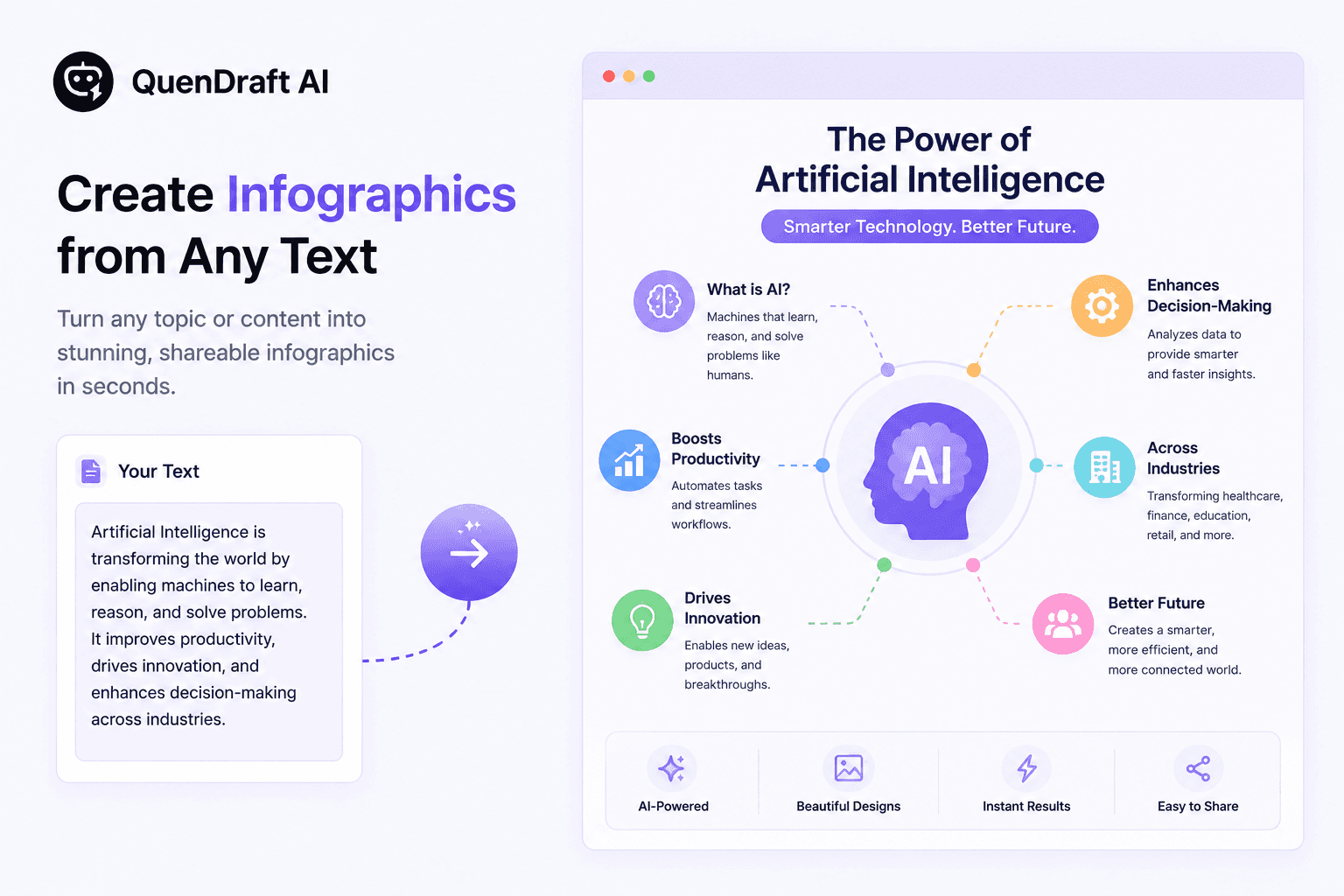
Create Infographics from Any Text with QuenDraft AI
Turn content or a rough idea into a shareable visual infographic — great for social posts, slides, and explainers.
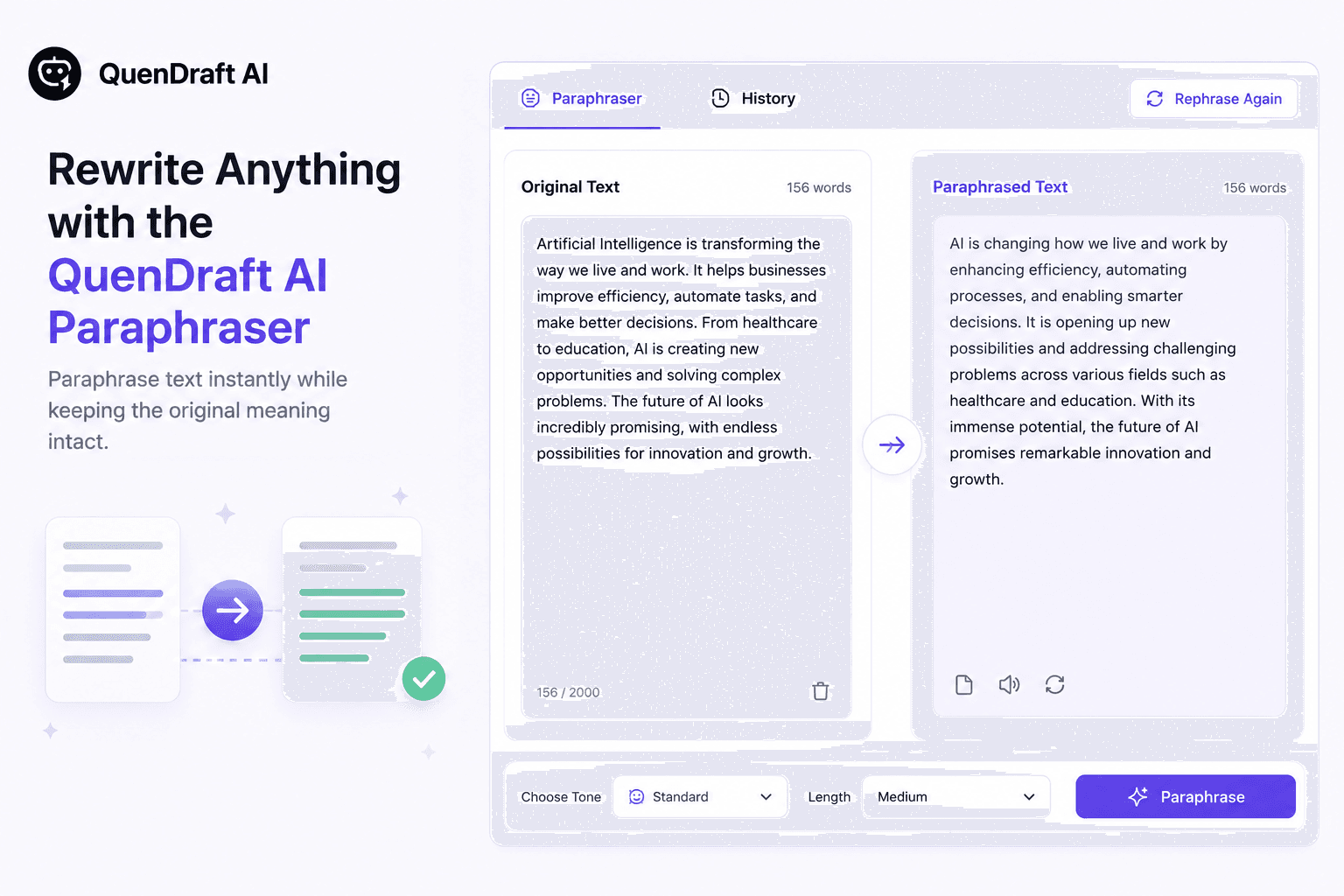
Rewrite Anything with the QuenDraft AI Paraphraser
Rephrase sentences and paragraphs to match your tone while keeping the original meaning intact.
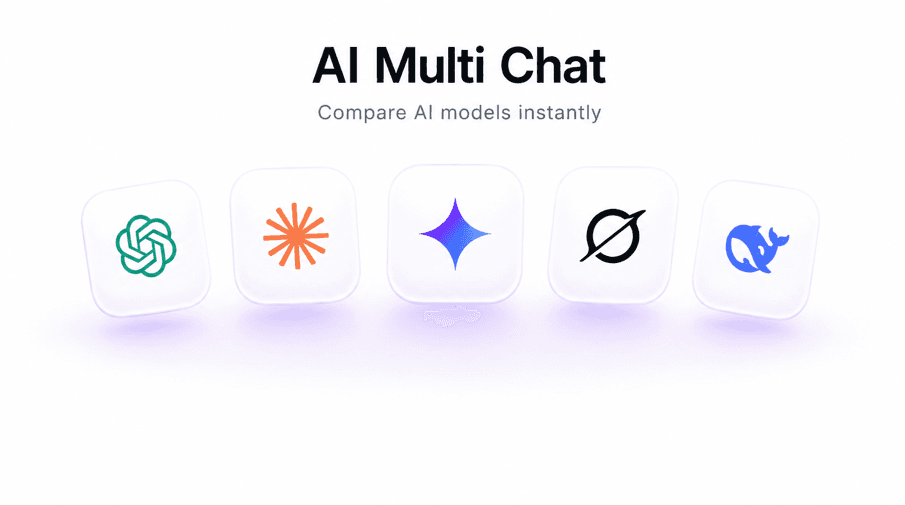
Compare GPT, Claude & Gemini Side by Side with AI Multi Chat
Run the same prompt across multiple models at once and compare responses instantly — no tab juggling.
The Complete Guide to AI Writing Assistants in 2026
The market is flooded with AI writing tools. This guide cuts through the noise and shows you what to look for, what to avoid, and how to get real ROI.
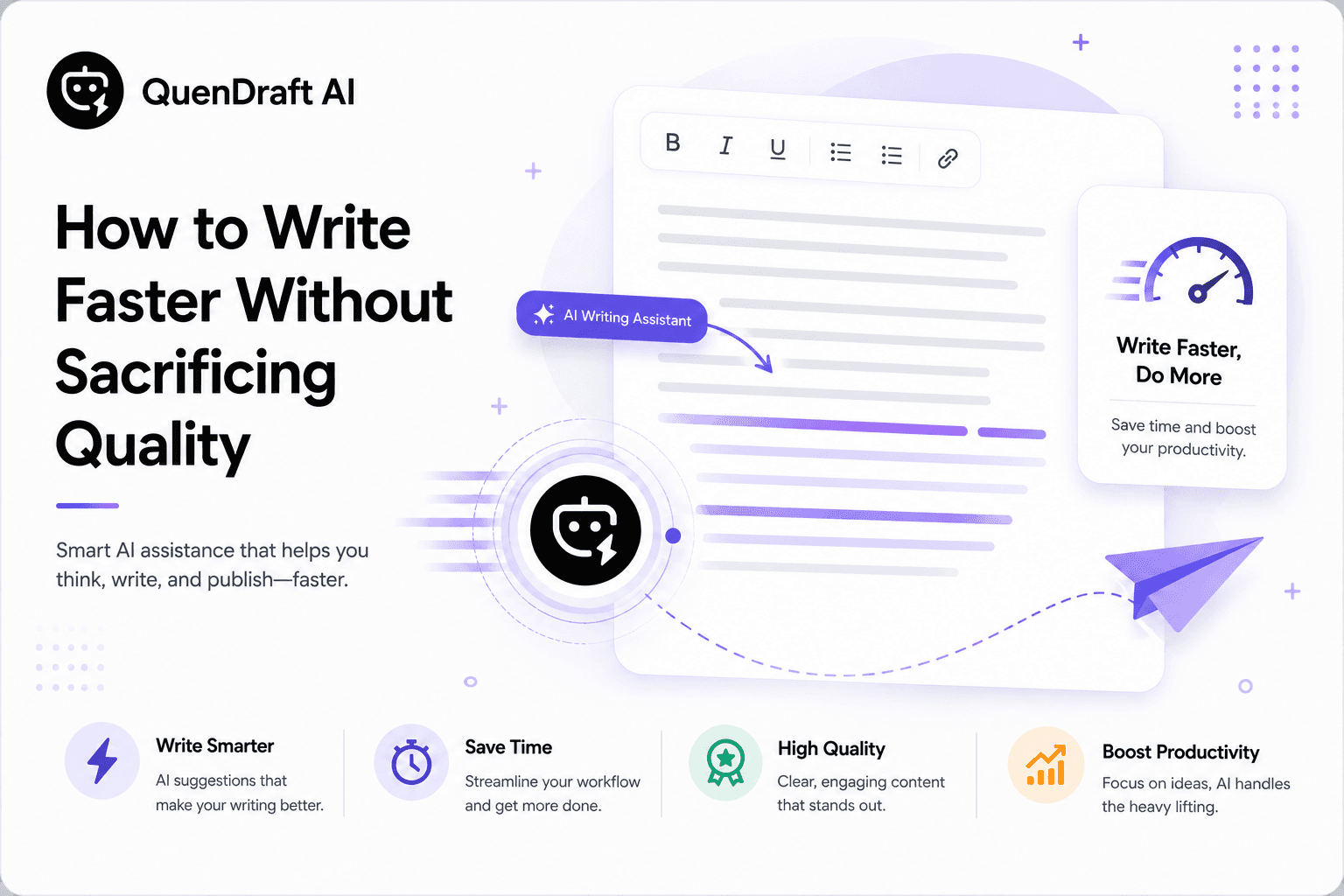
How to Write Faster Without Sacrificing Quality
Speed and quality aren't opposites. With the right process and tools, the fastest writers consistently produce the best work.
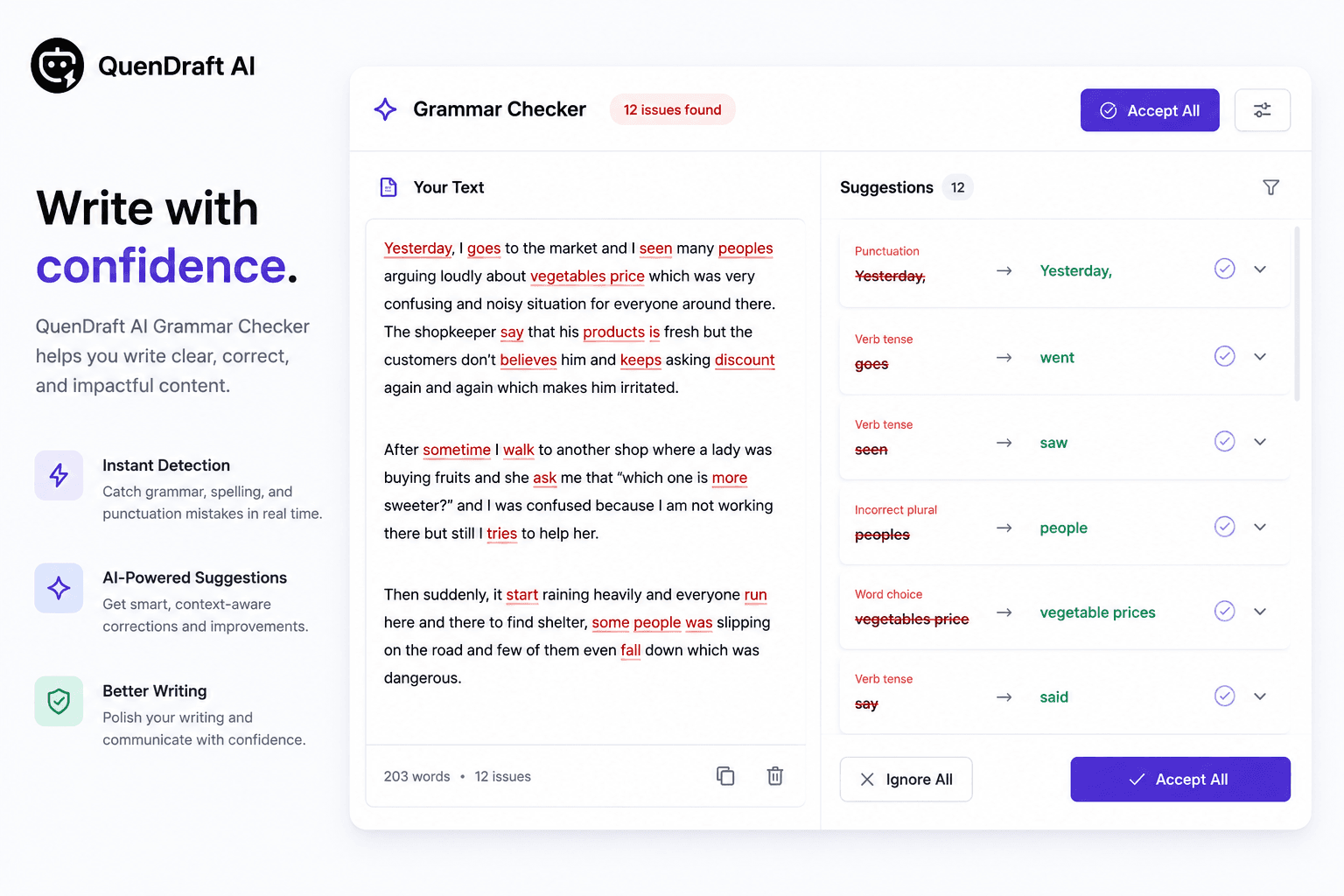
Grammar Mistakes That Make You Look Unprofessional
A misplaced apostrophe or a confused homophone can undermine months of relationship-building. Here are the mistakes that matter most.

The Future of Writing: AI and Human Collaboration
AI won't replace writers. It will replace writers who don't use AI. Here's what the collaboration looks like — and why it's better than either alone.
Get new posts in your inbox
Writing tips and AI updates — once a week, no spam.