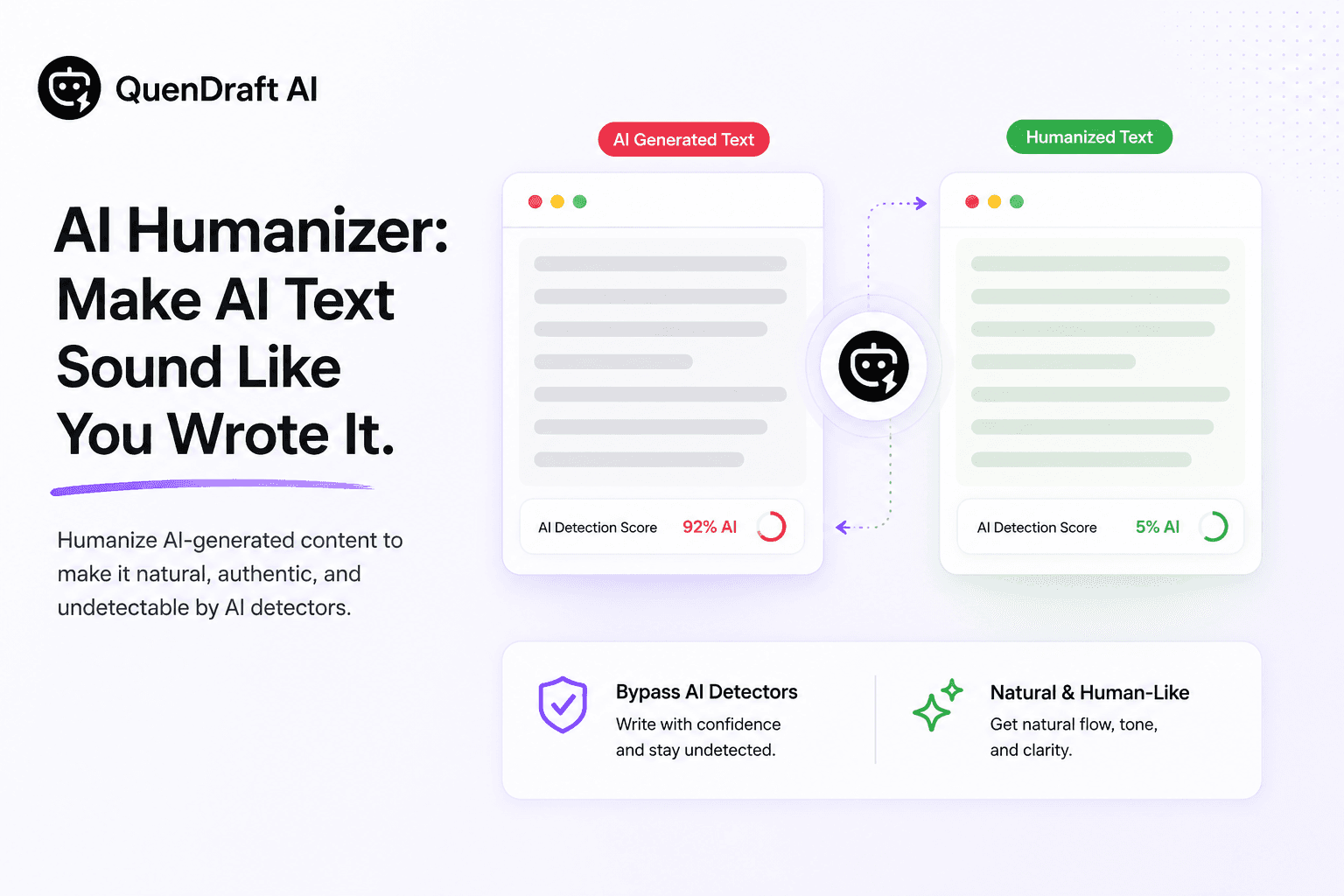
AI Humanizer: Make AI Text Sound Like You Wrote It
Check whether text reads as AI-written, then humanize it so it sounds natural and authentic — without losing your meaning.
AI drafts are fast, but they often read flat: uniform sentence lengths, safe phrasing, no personality. QuenDraft’s AI Detector & Humanizer helps you spot that pattern and fix it.
Detect first, then rewrite
Paste your text and QuenDraft flags how AI-written it reads. Use that signal to decide whether a draft needs a light edit or a full humanizing pass.
What humanizing actually changes
Varied sentence rhythm, more natural transitions, fewer filler qualifiers, and phrasing that sounds like a person made a choice — while keeping your original meaning intact.
Where it helps most
Client emails, LinkedIn posts, landing page copy, and long-form drafts that started as AI output and need to sound like your voice before publishing.
A practical workflow
Draft with AI, run the detector, humanize, then do one manual pass to add a specific detail only you would know. That last step is what makes writing feel real.