
Turn Ideas Into Diagrams with QuenDraft AI
Describe a process in plain language and get a clean flowchart, sequence, ER, or state diagram — ready for docs and decks.
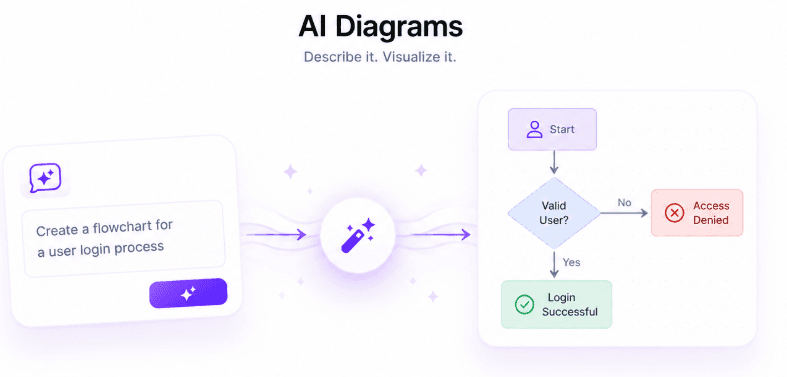
Diagramming tools are powerful but slow: drag a box, align an arrow, repeat. QuenDraft’s Diagram Generator turns a written description into a diagram in one step.
From prompt to diagram
Describe the flow — “user signs up, verifies email, then lands on onboarding” — and get a structured diagram you can refine instead of drawing from scratch.
Multiple diagram types
Flowcharts, sequence diagrams, ER diagrams, state diagrams, user journeys, timelines, and block diagrams cover most documentation needs.
Made for docs and presentations
Use generated diagrams in specs, onboarding docs, architecture reviews, and slides — clear visuals without a design detour.
Iterate quickly
Change the description, regenerate, compare. It’s much faster than manually rewiring boxes every time requirements shift.