
Productivity3 min read
Summarize Any Page Faster with QuenDraft AI
Long article or research page? Hit Summarize in the side panel and get the key points without reading every paragraph.
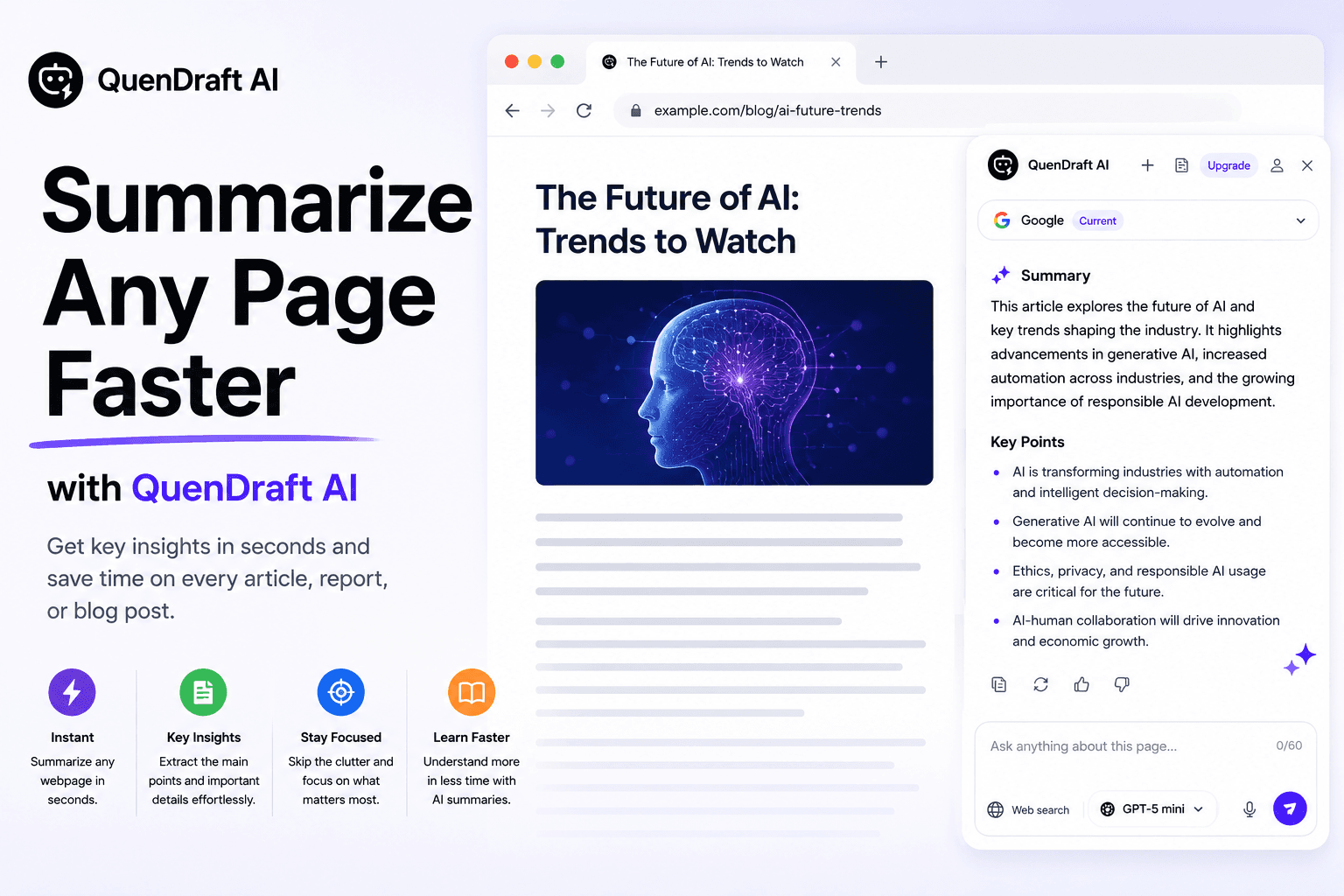
Skimming a 3,000-word piece shouldn’t take half your morning. QuenDraft’s Summarize action in the side panel turns a full page into a clear overview in seconds.
One click to the essentials
Open the side panel, choose Summarize, and QuenDraft extracts what matters — main claims, supporting points, and takeaways — so you can decide what to read in depth.
Built for long-form
News, Wikipedia, documentation, and research pages are ideal. You get a concise summary in the panel while the original page stays open for reference.
Ask follow-ups on the summary
Once you have the overview, dig deeper with Ask AI: “expand on point 2” or “what’s missing from this summary?” without leaving the tab.